
Here are some notes on Meraki licensing, covering a few scenarios I came across during my research and review.
Cisco Meraki Licensing, Security, and Hardware Insights: What You Need to Know
1. Meraki Licensing: Co-Term vs. Subscription Confusion
The Issue: Vendors and customers are increasingly running into friction when buying new hardware because quotes sometimes mix up licensing styles.
The Core Difference: You can only use one licensing model at a time per organization.
Co-Termination (Co-Term): The traditional model where all licenses pool together to a single expiration date. (e.g., part numbers like
LIC-Z4-ENT-3Y). Forces all devices in an entire company to share a single, mathematically averaged expiration dateSubscription Licensing: The newer model. (e.g., part numbers like
LIC-Z). Operates like a traditional software subscription service (such as Microsoft 365 or Netflix) tied to specific networks or groups of hardware. You buy 10 user seats for a 1-year term.
The Takeaway: Always double-check your dashboard’s current licensing model before ordering. If a vendor accidentally sends a subscription license for an organization still running on co-term, you will have to request a refund and reorder the correct type.
2. High Availability (Warm Spare) Licensing for MX Appliances
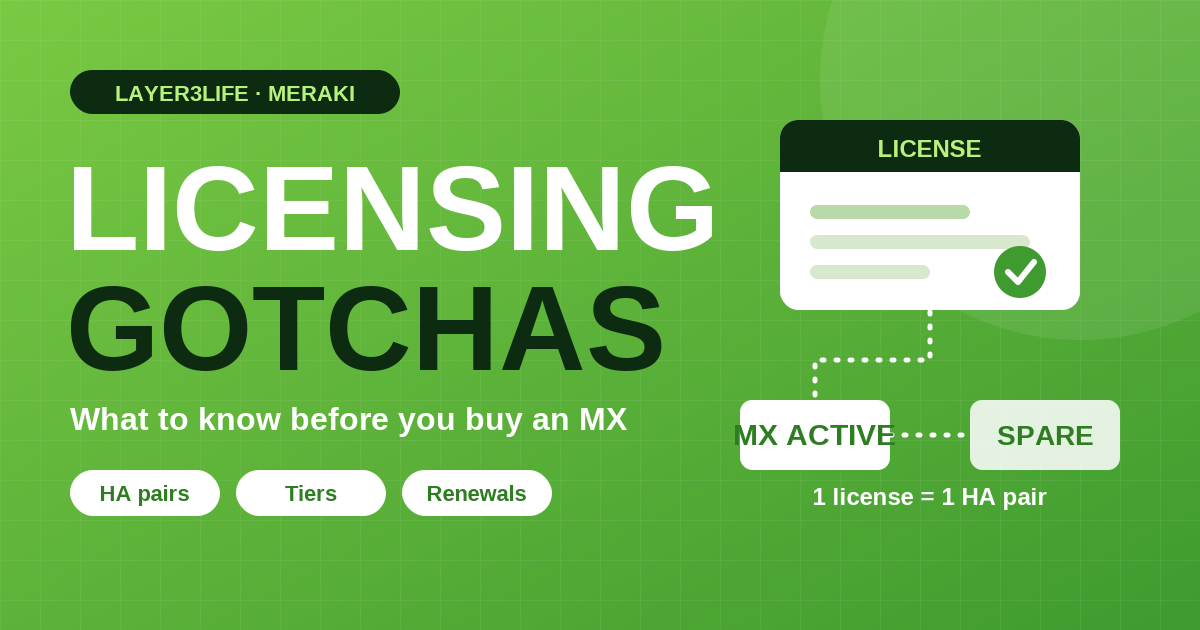
The Question: If you buy two MX95s for an Active/Standby failover setup, do you need a license for each unit?
The Answer: No, you only need one license total per redundant pair.
The Takeaway: Meraki licensing operates at the organization level rather than strictly per device for high-availability setups. The secondary/failover box pulls the license from your organization automatically when it takes over, sitting dormant until needed.