
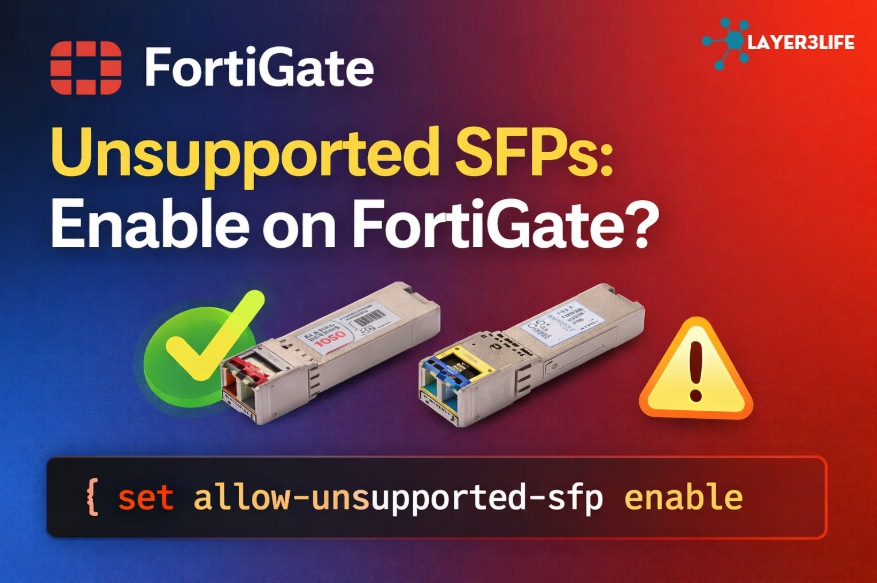
In real-world scenarios, there are deployments where we need to consider vendor interoperability—especially when it comes to SFP modules. Whether it’s due to requirements, cost optimization, restoration, or troubleshooting, this becomes a key factor in network operations.
One common issue arises when using non-native or unsupported SFP modules, and this is where FortiGate commands come into play.
Most networking vendors, including Cisco Systems and Fortinet, implement vendor checks on SFP modules. If the inserted transceiver is not officially supported, the device may:
- Disable the port
- Show warning logs
- Experience link instability
- Reject the module entirely
This becomes especially challenging during:
- Migration projects (e.g., Cisco → Fortinet)
- Cost-saving initiatives using third-party optics
- Emergency replacements when OEM SFPs are unavailable
Command to Fix It
Option 1: Global Setting
config system global
set allow-traffic-redirect disable
end
Option 2: Per-Interface Setting
config system interface
edit <port-name>
set allow-unsupported-sfp enable
next
end
This allows the FortiGate to accept and use third-party or non-certified SFP modules on a specific interface.
While enabling unsupported SFPs is convenient, it comes with trade-offs like No vendor support, Stability Concerns, Monitoring Liminitation(DOM).
Comparison with Cisco Approach: “service unsupported-transceiver”